
Add the three account surfaces#
Open Theme Setup → Customer accounts and launch the Shopify checkout and customer accounts editor. Use the customer account experience that supports the Encored extensions.
| Extension | What customers do | Placement |
|---|---|---|
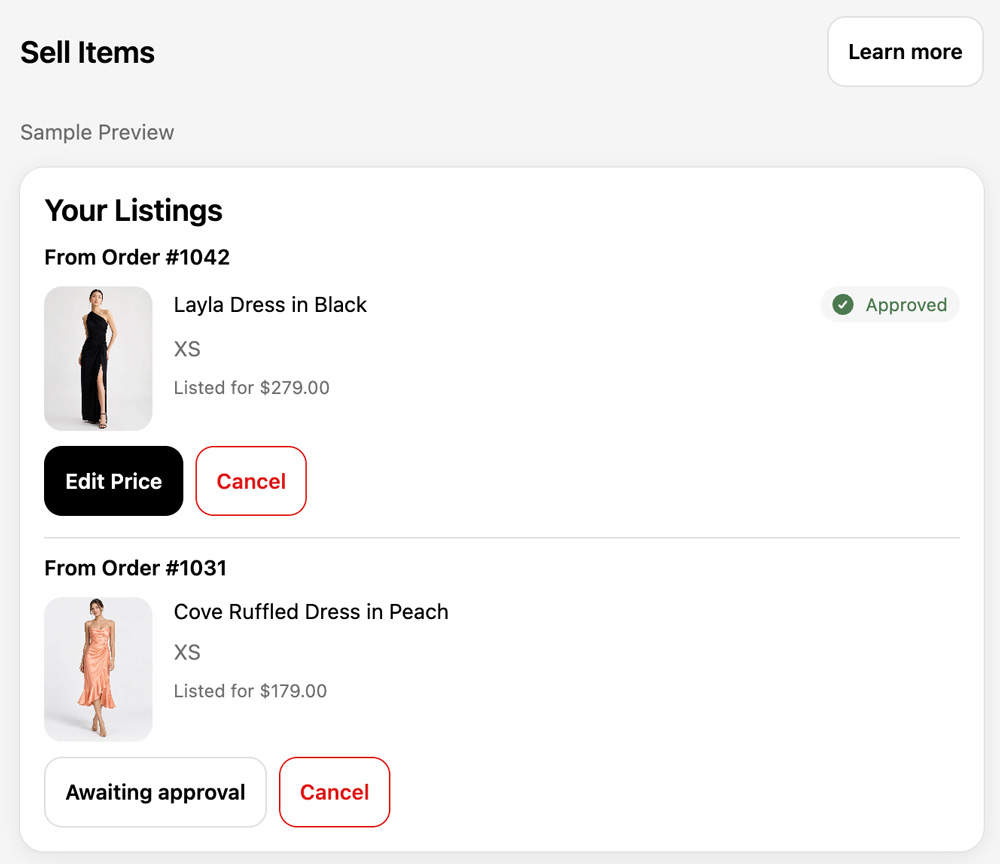
| Sell Items | Select purchases, create listings and manage unsold items | Customer account page and menu |
| Sold Items | Download labels, mark items sent and follow credit status | Customer account page and menu |
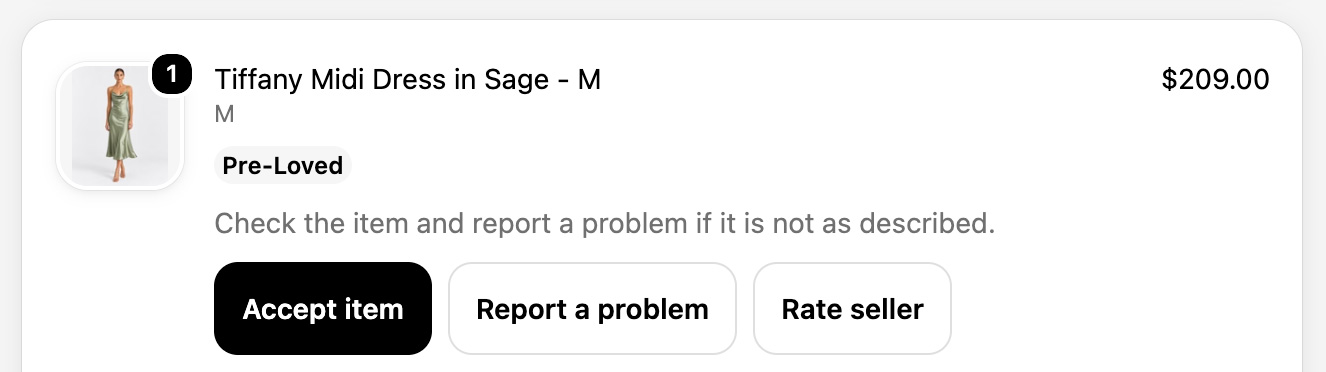
| Pre-Loved Order | Inspect an order, report a problem and rate the seller | Order status page |
Make the pages easy to find#
Add Sell Items and Sold Items to the customer account menu. Save the editor changes. Check them while signed in as a customer, rather than relying only on the editor preview.
Confirm the buyer experience#
Add the Pre-Loved Order block to order status. Check an order containing a Pre-Loved item. The buyer’s available actions depend on delivery and inspection status.
Link customers to Sell Items#
Set the Sell Items destination in Theme Setup if you need an override. Otherwise landing-page selling buttons use the Encored Sell Items account page. The listing wizard runs inside customer accounts.
If pages are missing, revisit the editor and menu, confirm changes are saved, and use Troubleshooting.