
Create the page in Shopify#
Installing Encored does not create an Online Store page or its template. Create a Pre-Loved page and prepare its page template in the Shopify theme editor. Add Encored’s landing blocks from Apps, arrange them, save and publish when ready.
Set shared destinations#
In Theme Setup, choose the Pre-Loved collection, optional Sell Items URL override and delivery, returns and program terms destinations. Without an override, selling buttons use the Encored Sell Items customer account page.
Style it for your brand#
Edit each block’s content, images, colours, heading size, alignment, spacing and buttons in the theme editor. Typography follows your store theme.
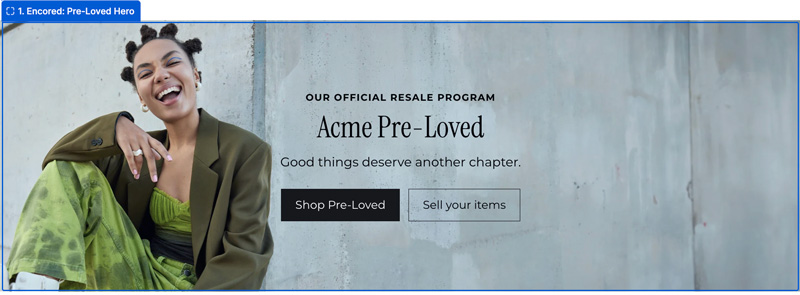
1. Encored: Pre-Loved Hero#
Opening headline, image and Shop Pre-Loved / Sell your items buttons.
2. Encored: Page Nav#
Links that help visitors jump to sections of the page.

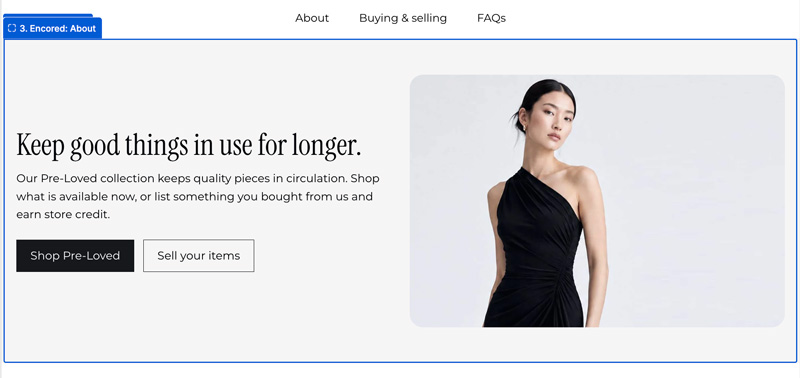
3. Encored: About#
Image and introduction to your Pre-Loved programme. The About link scrolls here.
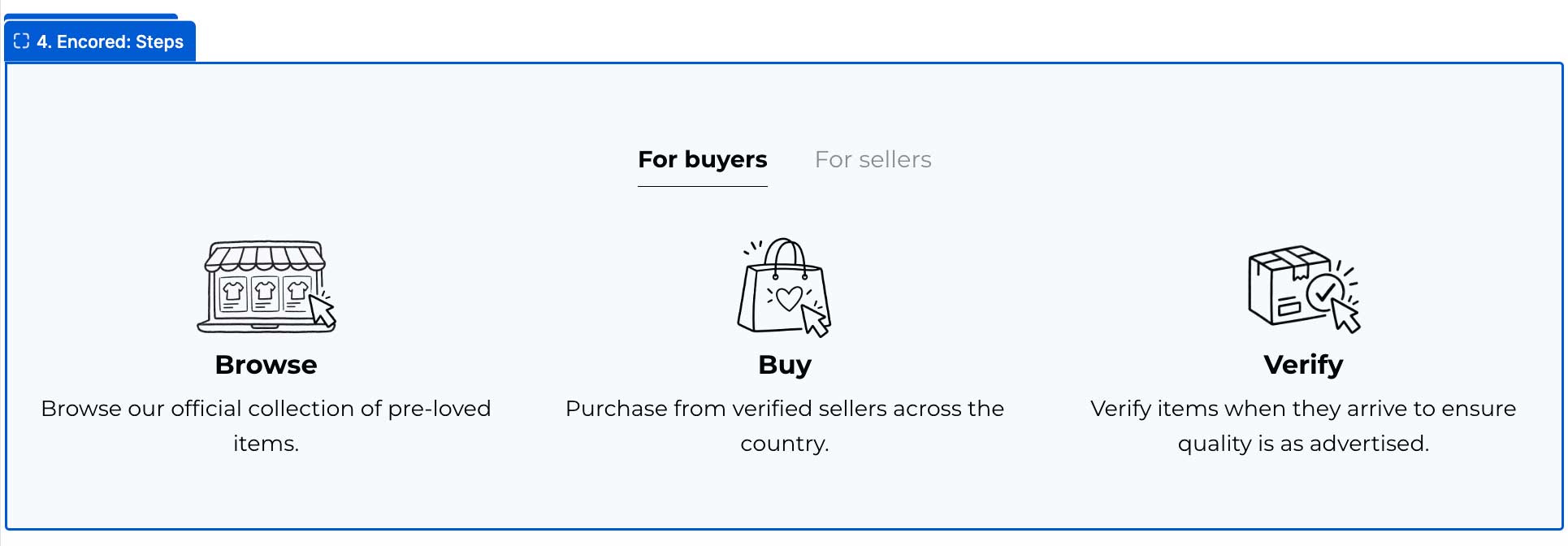
4. Encored: Steps#
Buyer and seller tabs explaining how the programme works.
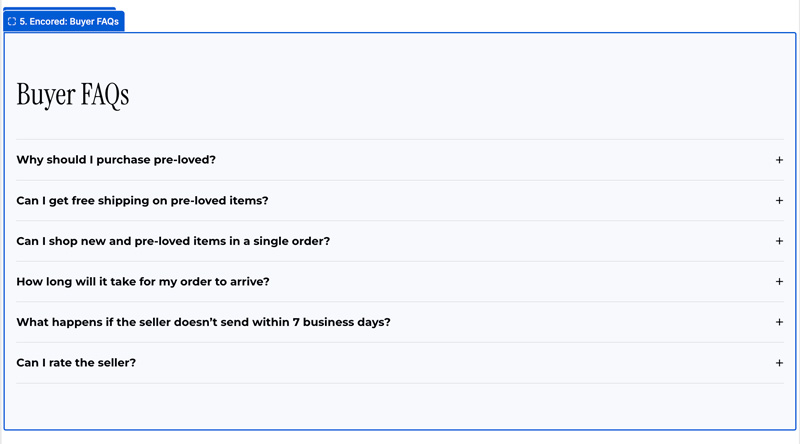
5. Encored: Buyer FAQs#
Expandable answers about buying, delivery and feedback.
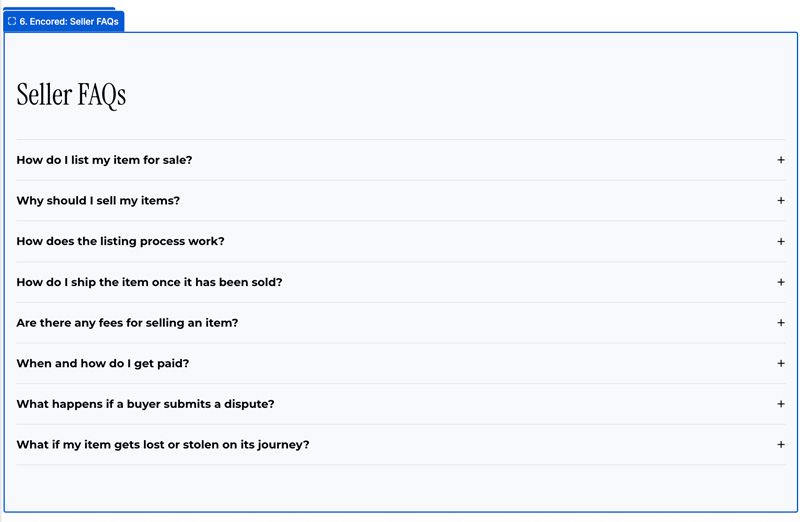
6. Encored: Seller FAQs#
Expandable answers about listing, shipping and store credit.
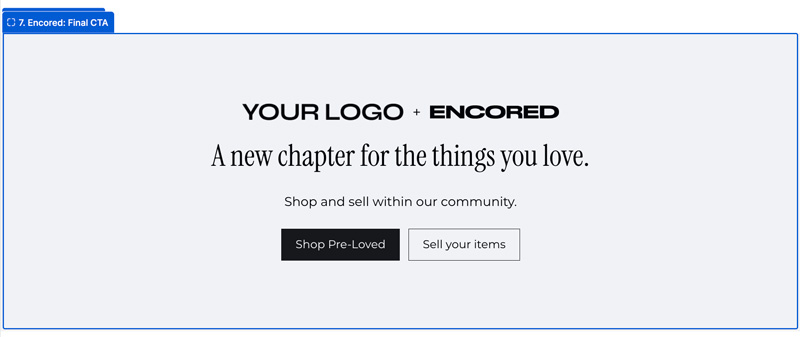
7. Encored: Final CTA#
Closing invitation to shop or sell, with programme links. Uses your theme logo; upload a Custom logo in the block settings to override it.
Preview the published page#
Check all shop, sell and policy links. Confirm FAQs match your actual shipping deadline, inspection window and credit boost. The listing wizard remains in customer accounts.