Choose the right template#
Open Theme Setup → Product page blocks. Pre-Loved blocks describe the resale item, new-product blocks help customers discover future resale, and Related Pre-Loved Products can appear on both.
Block reference#
| Block | Template |
|---|---|
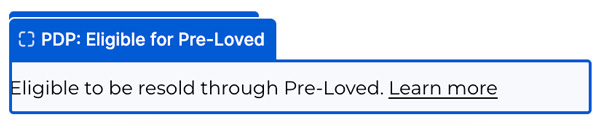
| NEW PDP: Eligible for Pre-Loved | New / non-preloved products |
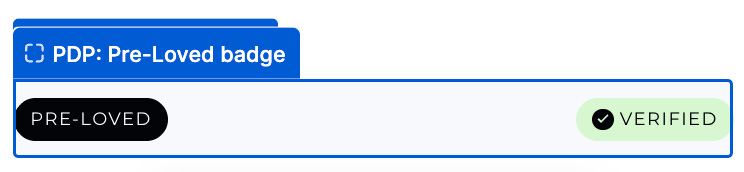
| PDP: Pre-Loved badge | Pre-Loved products |
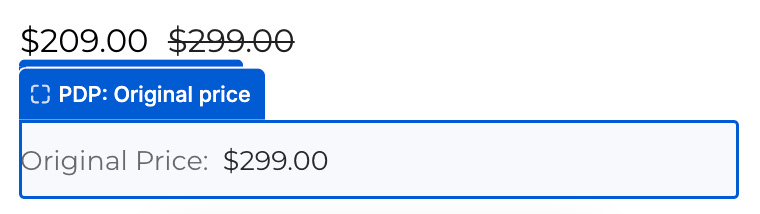
| PDP: Original price | Pre-Loved products |
| PDP: Item Condition | Pre-Loved products |
| PDP: Seller note | Pre-Loved products |
| PDP: Seller photos | Pre-Loved products |
| PDP: Seller info & rating | Pre-Loved products |
| PDP: Shop new | Pre-Loved products |
| PDP: Related Pre-Loved Products | New and Pre-Loved products |
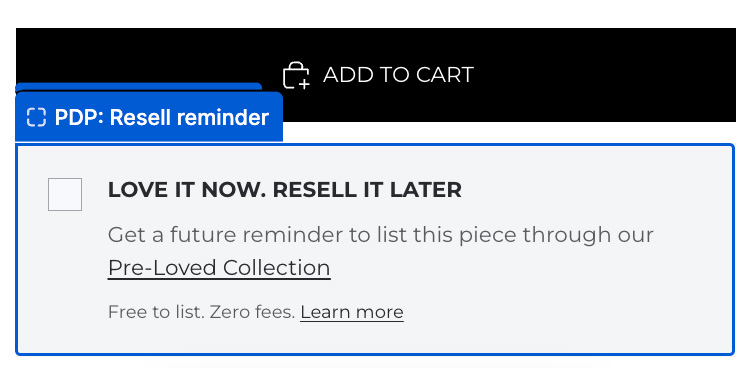
| NEW PDP: Resell Reminder | New / non-preloved products |
NEW PDP: Eligible for Pre-Loved#
Tells shoppers that the product is eligible to be resold through your Pre-Loved programme.
Place it: Near the price or buy buttons on the new-product template.
Visibility: Checks the current rules in Encored → Eligibility. Hidden for excluded products and whenever eligibility cannot be verified. The theme editor shows a styling preview.
Settings: Message, Learn more label and destination. Separate text and link desktop and mobile sizes (13px by default), weights, colours, italics, line heights, letter spacing, case and decoration; link hover colour, alignment and spacing. Uses your theme’s font.
PDP: Pre-Loved badge#
Identifies the item as Pre-Loved, with an optional Verified badge.
Place it: Above the product title or beside the price.
Visibility: Appears on Pre-Loved products. Hidden on new products in the live store.
Settings: Badge text, Verified badge, colours, corners and spacing.
PDP: Original price#
Shows the original catalogue price so shoppers can compare it with the listing price.
Place it: Below the listing price.
Visibility: Needs a Pre-Loved product with an original price. Check the product source if it is blank.
Settings: Product source, label, alignment, text size, colours and spacing.
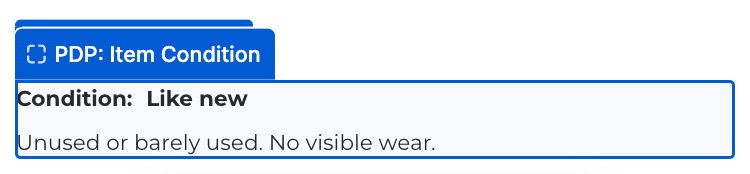
PDP: Item Condition#
Shows the seller’s condition grade, its definition and any disclosed wear.
Place it: Below the price, before the buy buttons.
Visibility: Appears on Pre-Loved products. The wear description appears when supplied.
Settings: Alignment, heading and caption sizes, colours and spacing.
PDP: Seller note#
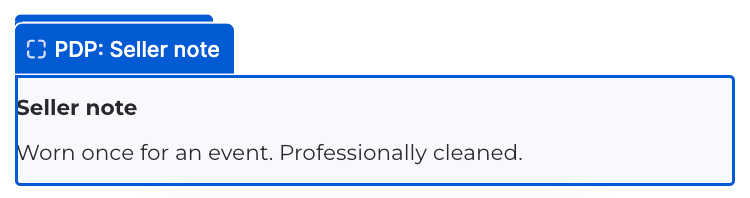
Displays the seller’s own description of the item.
Place it: Near condition details.
Visibility: Needs a Pre-Loved product with a seller note. An empty note keeps the block hidden.
Settings: Heading, typography, background, border, width and spacing.
PDP: Seller photos#
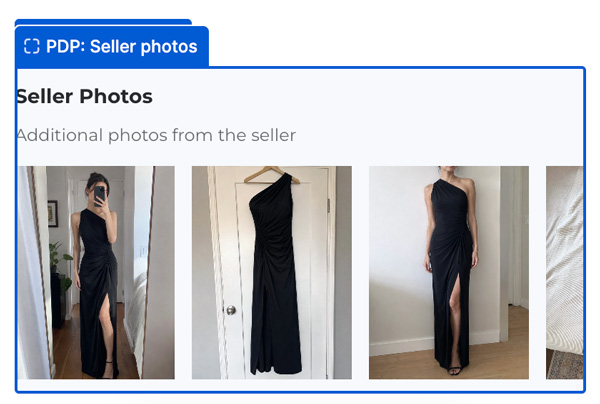
Shows seller-taken photos separately from the store’s catalogue images. Shoppers can open a larger view.
Place it: Near product media or below condition details.
Visibility: Needs a Pre-Loved product with seller photos. The theme editor uses available seller photos from the store, with sample images when no listings have seller photos.
Settings: Title and caption (leave either empty to hide it), columns or horizontal scroll, photo width, corners and spacing.
PDP: Seller info & rating#
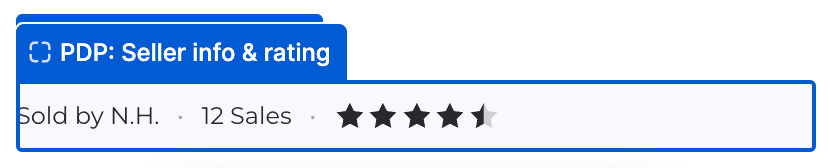
Shows the seller’s identity, star rating and sales count.
Place it: Near the seller note or buy buttons.
Visibility: Appears on Pre-Loved products when seller details are available. The theme editor always shows sample seller details and stars. Live stars need real ratings.
Settings: Name display, sales count, star size, colours and alignment.
PDP: Shop new#
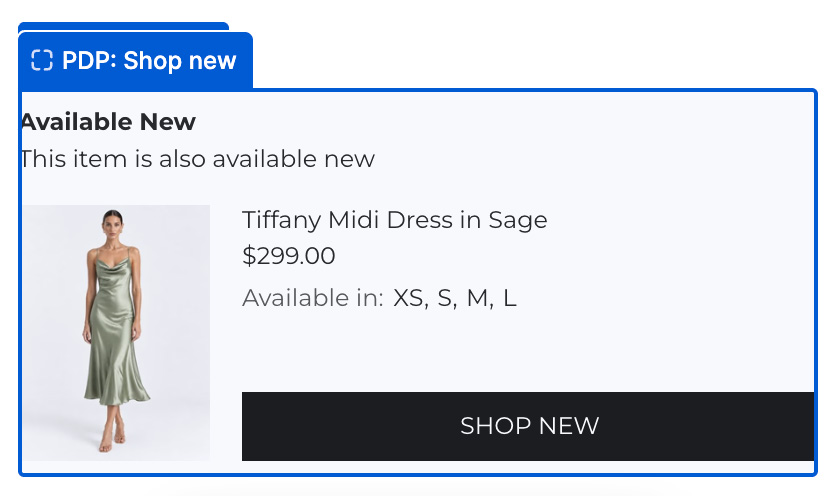
Links shoppers to the original new product, with its image, price and available variants when available.
Place it: Below the buy buttons or product details.
Visibility: Normally uses the linked original catalogue product. If only an original-product link is available, it can show a button instead of the full card.
Settings: Icon, heading, subtitle, image, variants, button and spacing.
PDP: Related Pre-Loved Products#
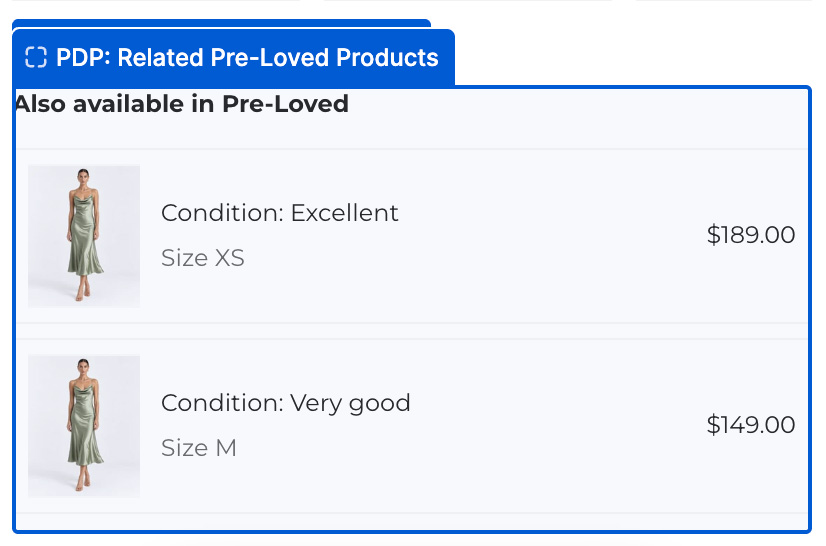
Displays other pre-loved listings for the same original product, if available.
Place it: Below the buy buttons on both new and Pre-Loved product templates.
Visibility: Appears on new and Pre-Loved products when other available listings exist for the same original product. Excludes the listing currently being viewed. The theme editor shows sample listings when the live block would be hidden.
Settings: Custom heading, compact listing cards with condition, size and price. Optional currency suffix, card border and radius, padding and typography weights. Sizes sort smallest to largest.
NEW PDP: Resell Reminder#
Lets shoppers opt into a future email reminder to resell their purchase. Uses the email on their order.
Place it: Near the buy buttons on the new-product template.
Visibility: Hidden on Pre-Loved products and when reminder days are set to 0 in Encored Settings. The editor can still show a preview.
Settings: Text, collection, Learn more link and card appearance. Reminder days are set in Encored Settings.